

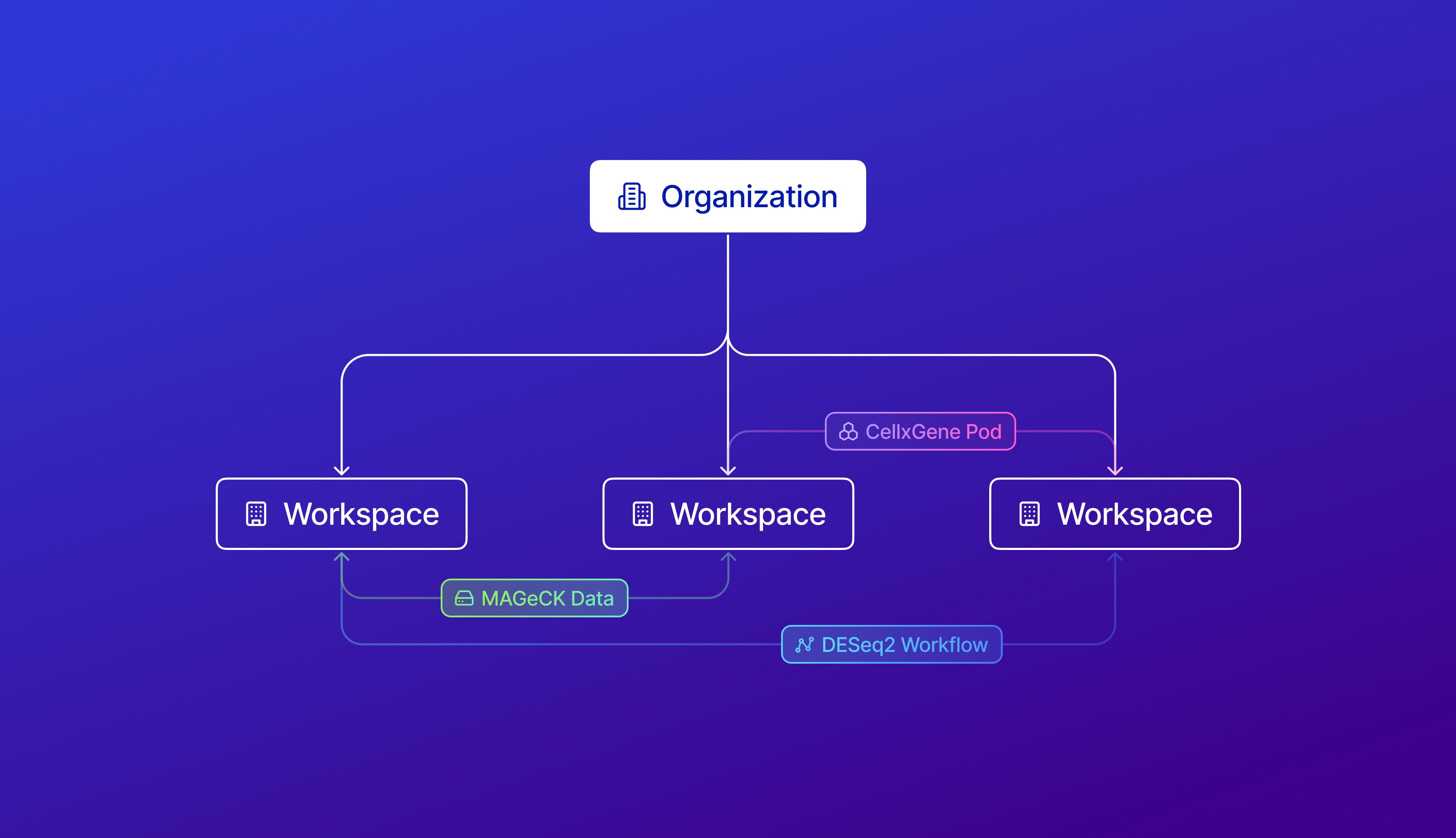
- Within an Organization, there’s a workspace overview to observe credit balances of workspaces, transfer credits between workspaces, and see an aggregate billing view of all workspaces across the four Latch Products.
- With owner permissions, organization members can access all workspaces within the organization.
Currently, we only release Latch Organization to select partners who have to
manage 5+ workspaces. To gain access to the “Organizations”, please contact
our support team at
support@latch.bio.Organization Basics
Learn about the key concepts and features of Latch Organizations
Add Workspaces to an Organization
Create new workspaces or transfer existing workspaces to an organization
Manage Security Settings
Configure access controls and authentication methods
Manage members of an Organization
Add and remove members from different workspaces in your organization
Manage member roles in Organizations
Change member roles within your workspaces and organizations
Transfer credits betwen workspaces
Learn how to transfer credits to and from different workspaces
To collaborate within a workspace
Workspaces
Manage settings within a workspace