

Overview
The Model Context Protocol (MCP) is an open standard for connecting AI applications to external systems. You can use Latch’s remote MCP server to securely connect your favorite AI development tools to the Latch platform. You can then directly access Latch resources and carry out actions on the Latch platform. Using the Latch MCP requires you to have a Latch account. While there is no separate pricing for the MCP, you will be charged normally for any actions you perform on Latch using the MCP. For example, if you use the MCP to launch a Latch workflow, you will be charged the same as if you had launched it directly from the Latch Console or SDK.Setup
Authenticating to the Latch MCP only authorizes the connected AI client to access the MCP server. These credentials cannot be used for general Latch access through the Latch SDK or console.- Claude
- Claude Code
- Codex
- Cursor
- Other
You can install the Latch MCP as a third-party connector in Claude (web) or Claude Desktop. Follow the steps in Claude’s documentation to set up a third-party connector. When asked to provide the remote MCP URL, use 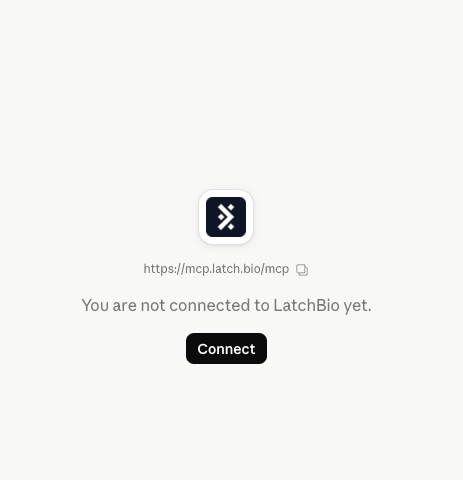
https://mcp.latch.bio/mcp. Once you have set up the connector, you will be asked to authorize the connector to access your Latch account.