

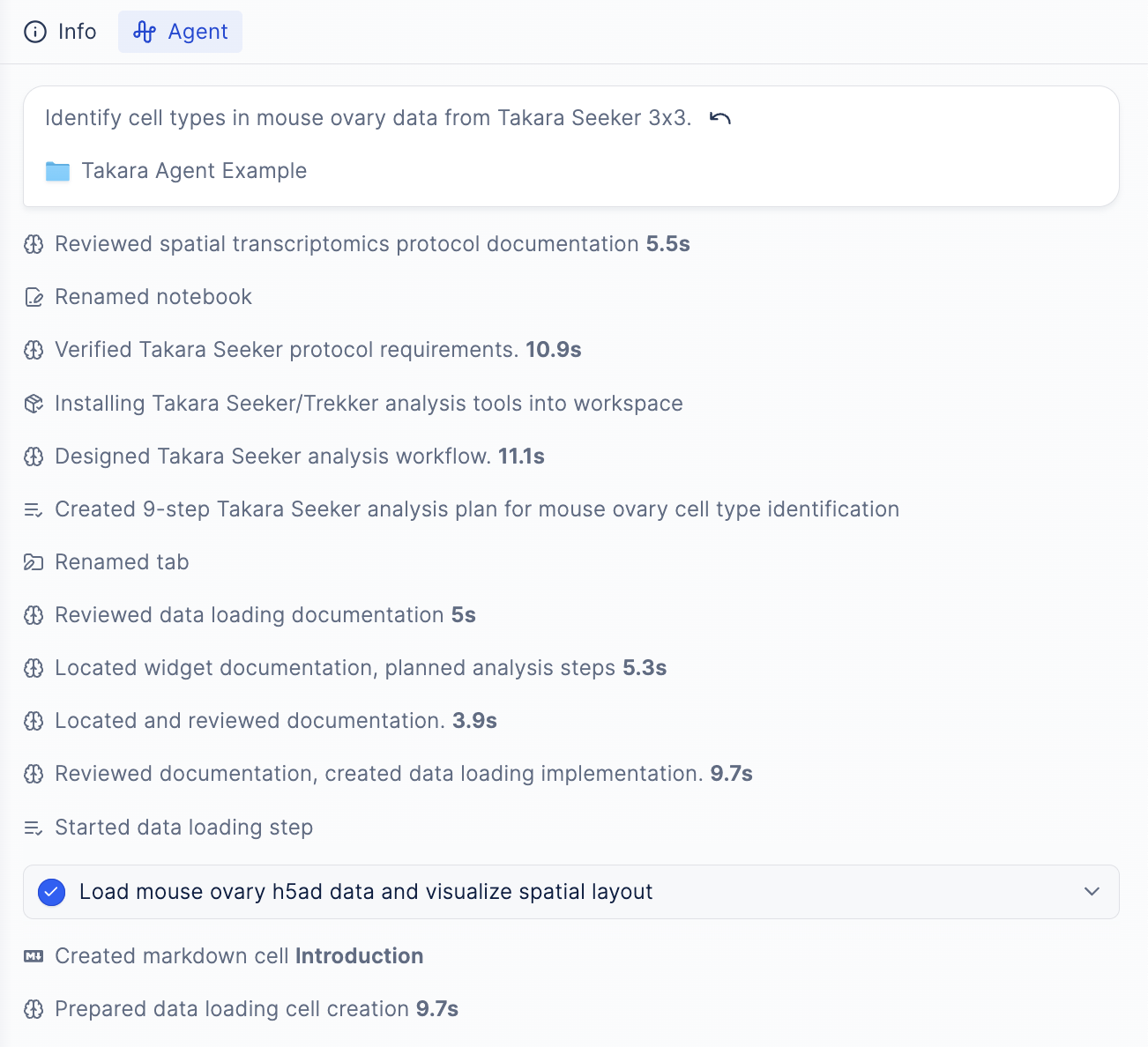
The agent can see your conversation history, notebook contents, and analysis results to understand what you’re working on and provide relevant responses.
What the Agent Can See
Conversation
The agent remembers your entire conversation history in the current session, including your questions, the agent’s responses, and any analysis results.Current Notebook
The agent can see:- All code in your notebook cells
- Execution results and outputs from running cells
- Plots and visualizations you’ve generated
- Interactive widgets and their current settings
- Variables and data in your notebook
Analysis Plan
If you’re working through a multi-step analysis, the agent can see your plan and track progress through each step.Platform-Specific Knowledge
The agent has access to documentation for supported technologies (Xenium, Vizgen, Takara, Visium, AtlasXOmics, etc.) and can reference best practices and workflows specific to your platform.Attached Files
When you attach files via the chat, the agent can use them in the analysis.What the Agent Cannot See
- Previous sessions: Each notebook session is isolated—the agent starts fresh each time
- Other notebooks: The agent only sees the current notebook you’re working in
- External websites: The agent cannot browse the internet or access external URLs
If you want the agent to continue work from a different notebook, ask the agent in your previous notebook to create a summary file, upload to Latch Data, and attach the summary file in the new notebook.