> ## Documentation Index
> Fetch the complete documentation index at: https://wiki.latch.bio/llms.txt
> Use this file to discover all available pages before exploring further.
# Create a Table
> A table is a collection of records. Each record, also known as a row, contains a unique record name and a set of attributes.
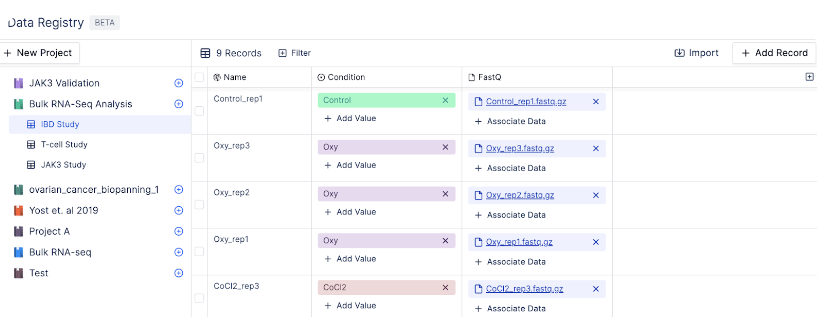
For example, the table IBD Study below contains different sample names, conditions, and sequencing reads.
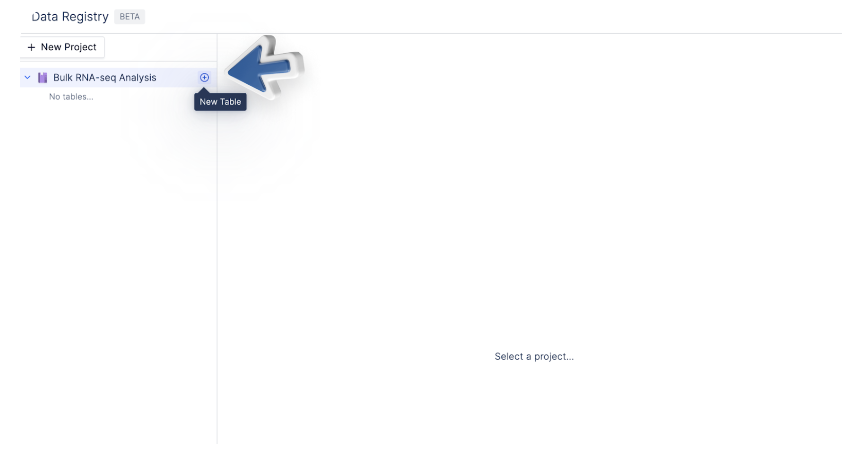
 To create a table, click on the project in which the table will be created. Here, we select “Bulk RNA-seq Analysis”. Then, click the plus sign to create a new table.
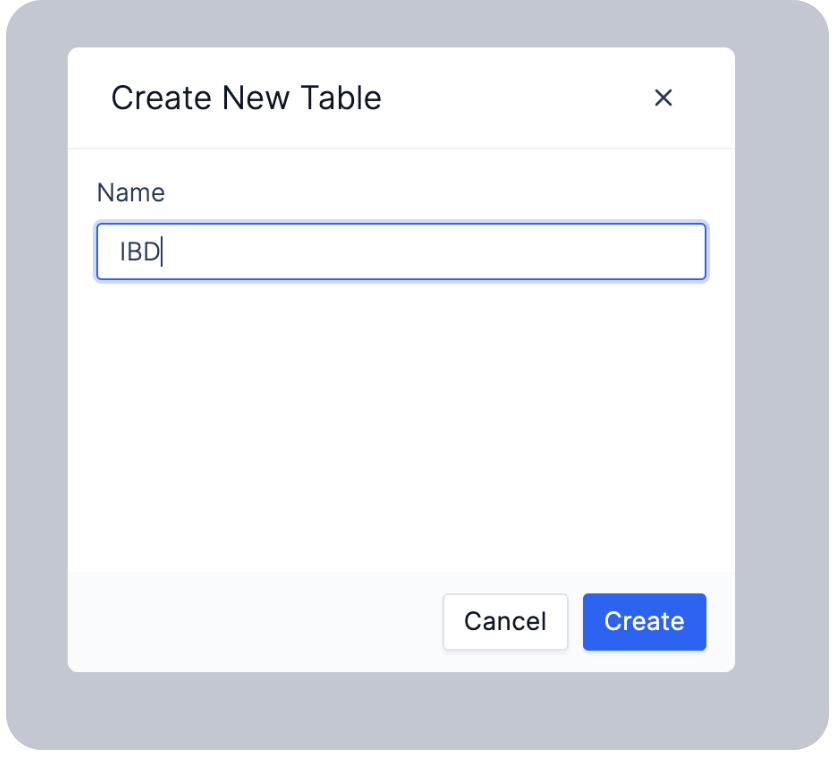
 Enter your table name, and choose “Create”.
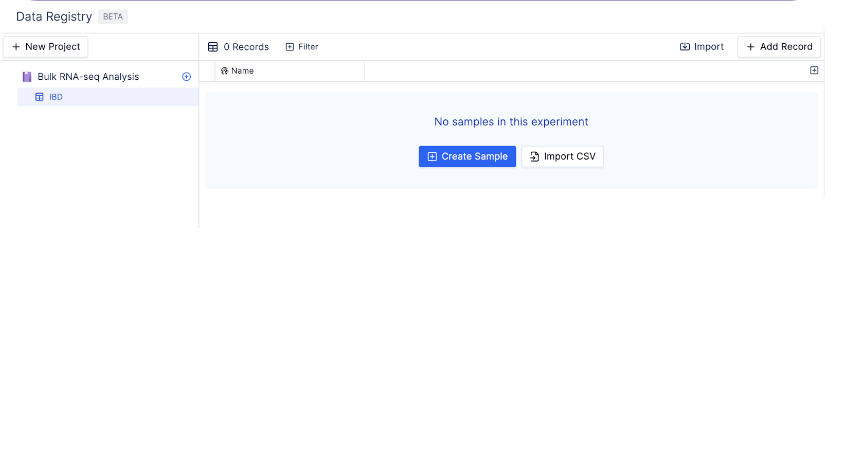
 A new table will be created under your chosen project.