> ## Documentation Index
> Fetch the complete documentation index at: https://wiki.latch.bio/llms.txt
> Use this file to discover all available pages before exploring further.

# Transform Outputs

> Learn how to view and use dataframe outputs from a transfrom.

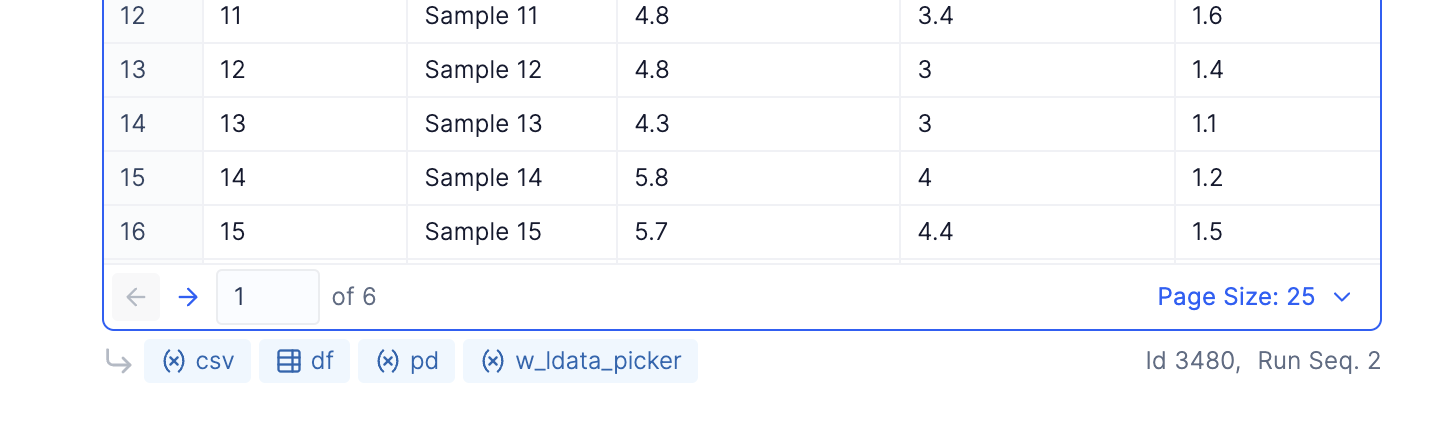
Anytime a variable containing a dataframe is created with global scope it will listed at the bottom of the transform and can be previewed.

<video autoPlay muted loop playsInline className="w-full aspect-video" class="rounded-md">
  <source src="https://mintcdn.com/latchbio/nFvCRsD3GeYvKtOX/images/plots/plotting/previewing-transform-outputs-opti.mp4?fit=max&auto=format&n=nFvCRsD3GeYvKtOX&q=85&s=d31b325e2db1a205f933050e04d67d4a" data-path="images/plots/plotting/previewing-transform-outputs-opti.mp4" />
</video>

These variables can also be selected as data sources for Plots and Table Display/Filter.

***

Every global variable in a transfrom will be listed below the transform in Dev Mode and can be referenced in other transforms.
<img src="https://mintcdn.com/latchbio/nFvCRsD3GeYvKtOX/images/plots/transforms/transform-outputs.png?fit=max&auto=format&n=nFvCRsD3GeYvKtOX&q=85&s=8d1b493b77a8266769c7694f296b23af" className="w-full rounded" width="1438" height="444" data-path="images/plots/transforms/transform-outputs.png" />
