> ## Documentation Index
> Fetch the complete documentation index at: https://wiki.latch.bio/llms.txt
> Use this file to discover all available pages before exploring further.
# Using IGV on Latch
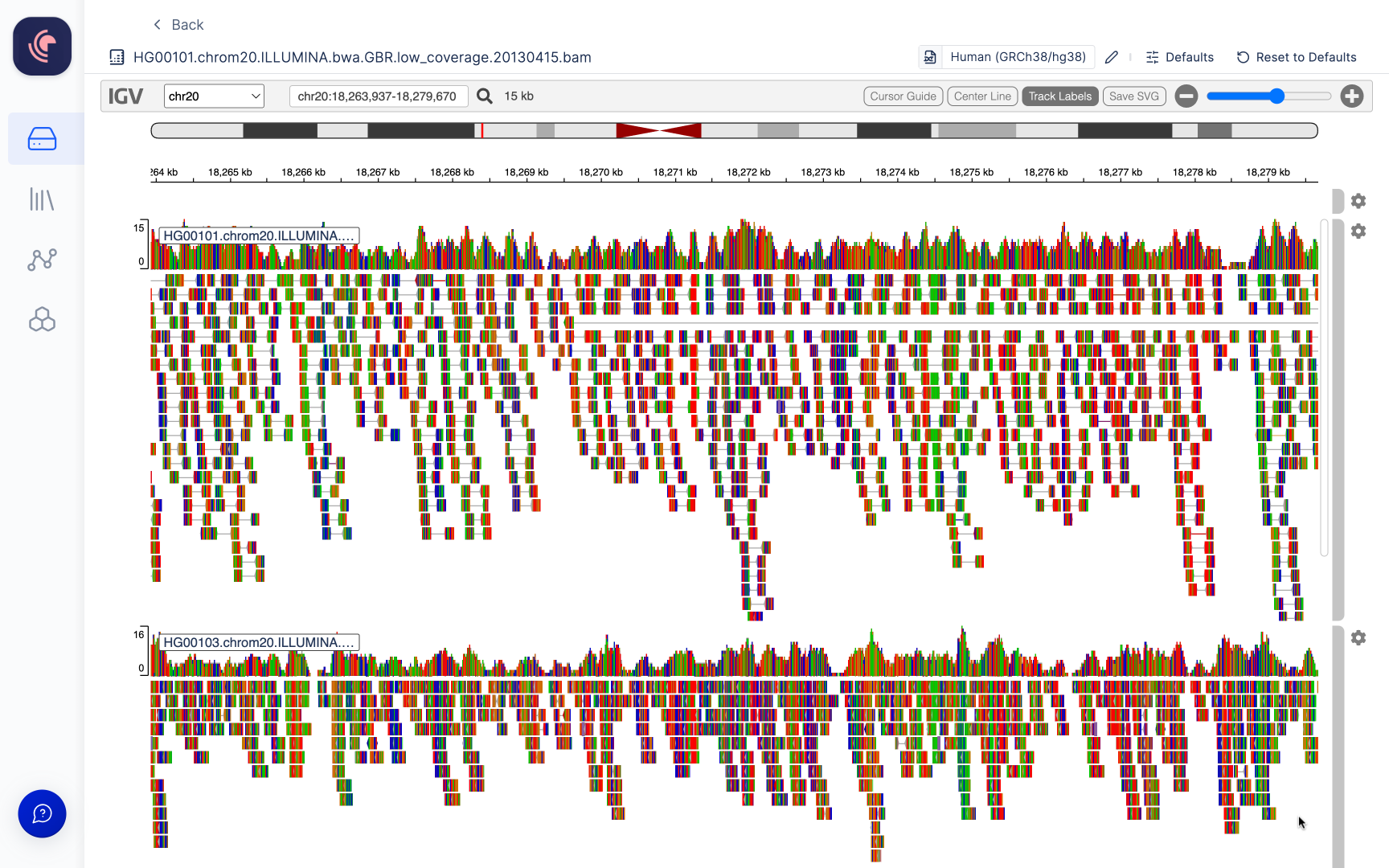
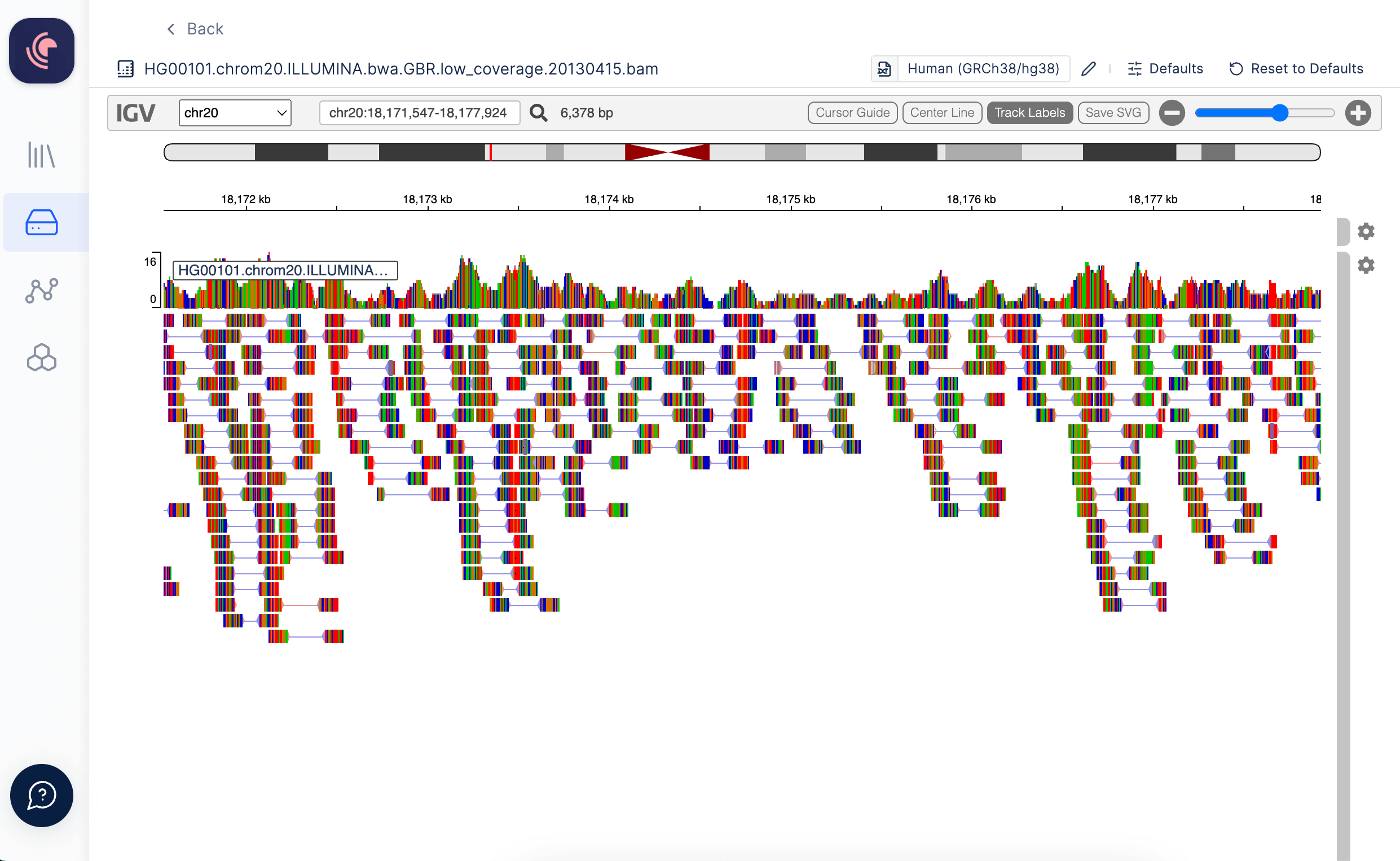
> The Integrative Genomics Viewer (IGV) is a high-performance, easy-to-use, interactive tool for the visual exploration of genomic data. BAM, Fasta, etc. files can be opened in an IGV Browser natively within the Latch Platform.
 ## Opening Files in IGV
### From Latch Data
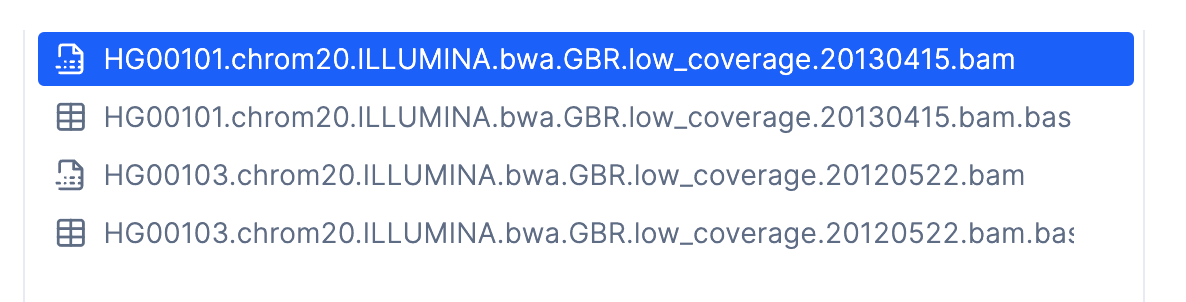
Nucleotide aequence (Fasta) and alignment files (BAM) files can be opened in the IGV browser from Latch Data. Simply double click a file to open it.
## Opening Files in IGV
### From Latch Data
Nucleotide aequence (Fasta) and alignment files (BAM) files can be opened in the IGV browser from Latch Data. Simply double click a file to open it.
 ### BAM Aligment Files
Alignment files (BAM) hosted on our platform are linked with an automatically generated index file (BAI), which is utilized for when opened in the Integrative Genomics Viewer (IGV). In order to view alignment files within IGV, the reference genome to which the data has been aligned must be specified. Users have the option to choose from a selection of commonly employed genomes available on IGV (a list of these options can be found [here](/data/visualizations/igv-reference-genomes)), or alternatively, you can select your own reference genomes stored within Latch Data.
The IGV browser within Latch presently supports reference genome files in the .fasta, .fa, and .fna file formats.
### BAM Aligment Files
Alignment files (BAM) hosted on our platform are linked with an automatically generated index file (BAI), which is utilized for when opened in the Integrative Genomics Viewer (IGV). In order to view alignment files within IGV, the reference genome to which the data has been aligned must be specified. Users have the option to choose from a selection of commonly employed genomes available on IGV (a list of these options can be found [here](/data/visualizations/igv-reference-genomes)), or alternatively, you can select your own reference genomes stored within Latch Data.
The IGV browser within Latch presently supports reference genome files in the .fasta, .fa, and .fna file formats.
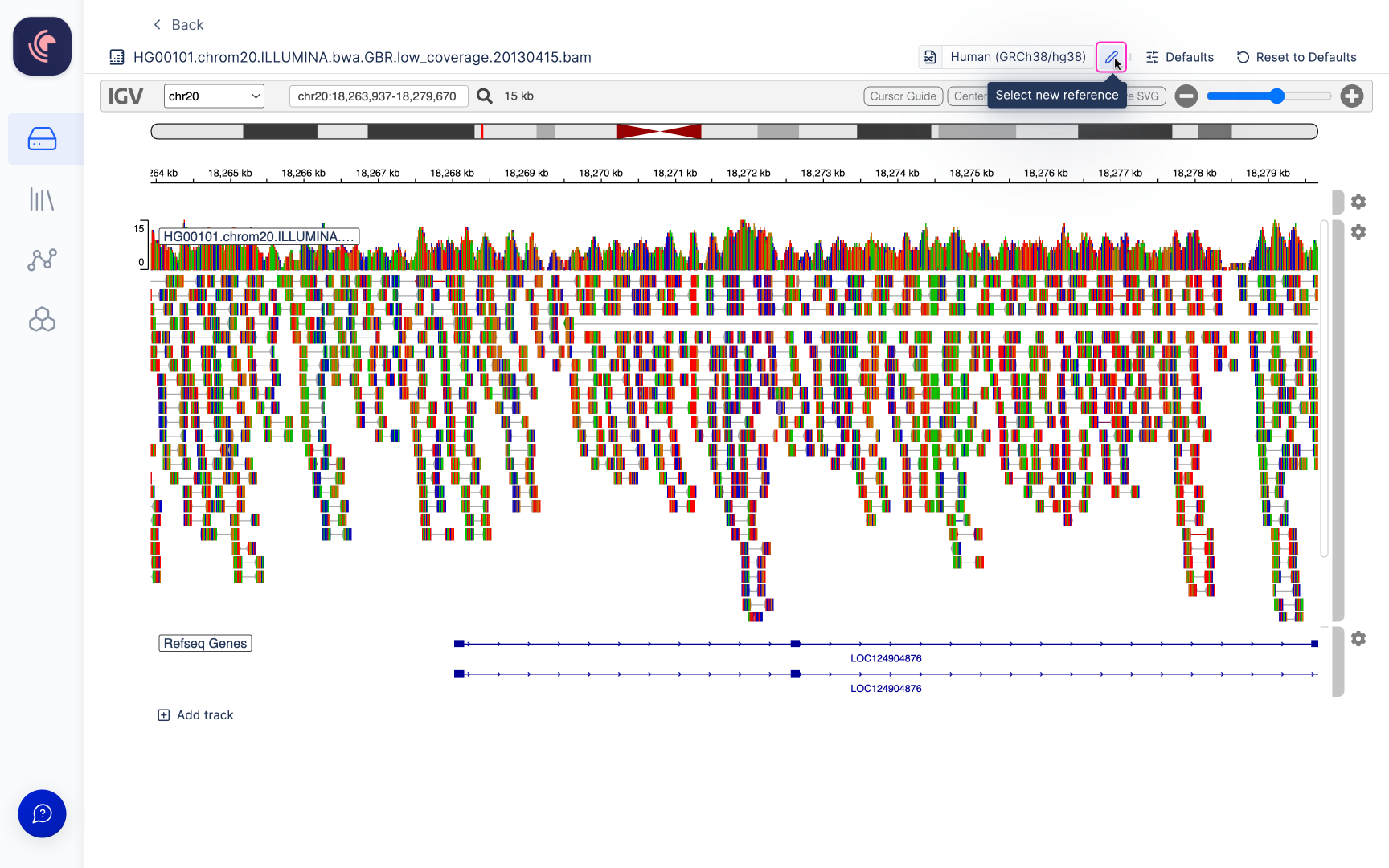
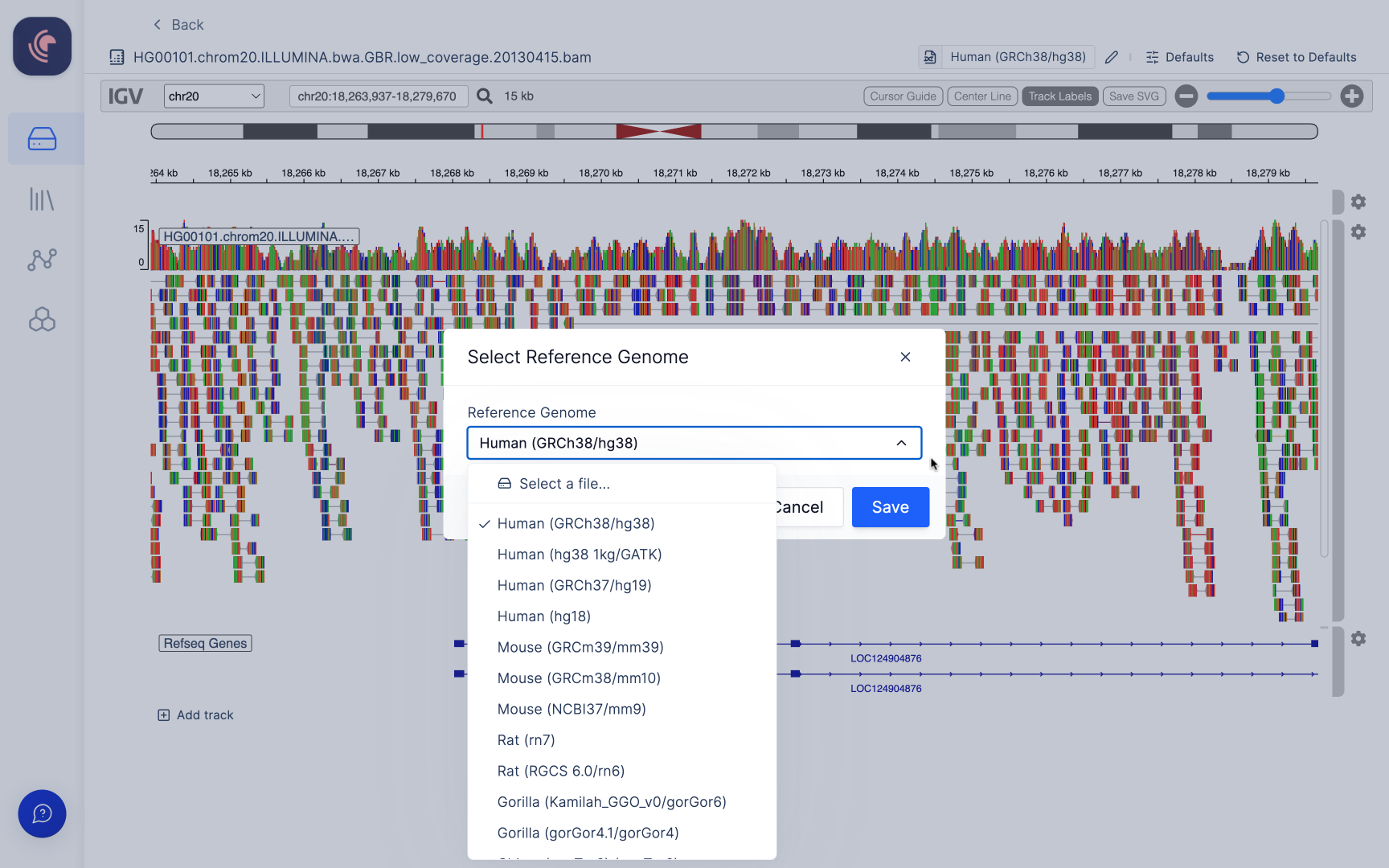 To update the reference genome within the viewer, navigate to the top toolbar and click on the editing icon represented by a pen, which is located adjacent to the current genome name display.
 ## Adding additional tracks
Multiple BAM files can be opened in the viewer. To add a track scroll to the bottom of the last track displayed and click the `+ Add Track` button.
## Adding additional tracks
Multiple BAM files can be opened in the viewer. To add a track scroll to the bottom of the last track displayed and click the `+ Add Track` button.
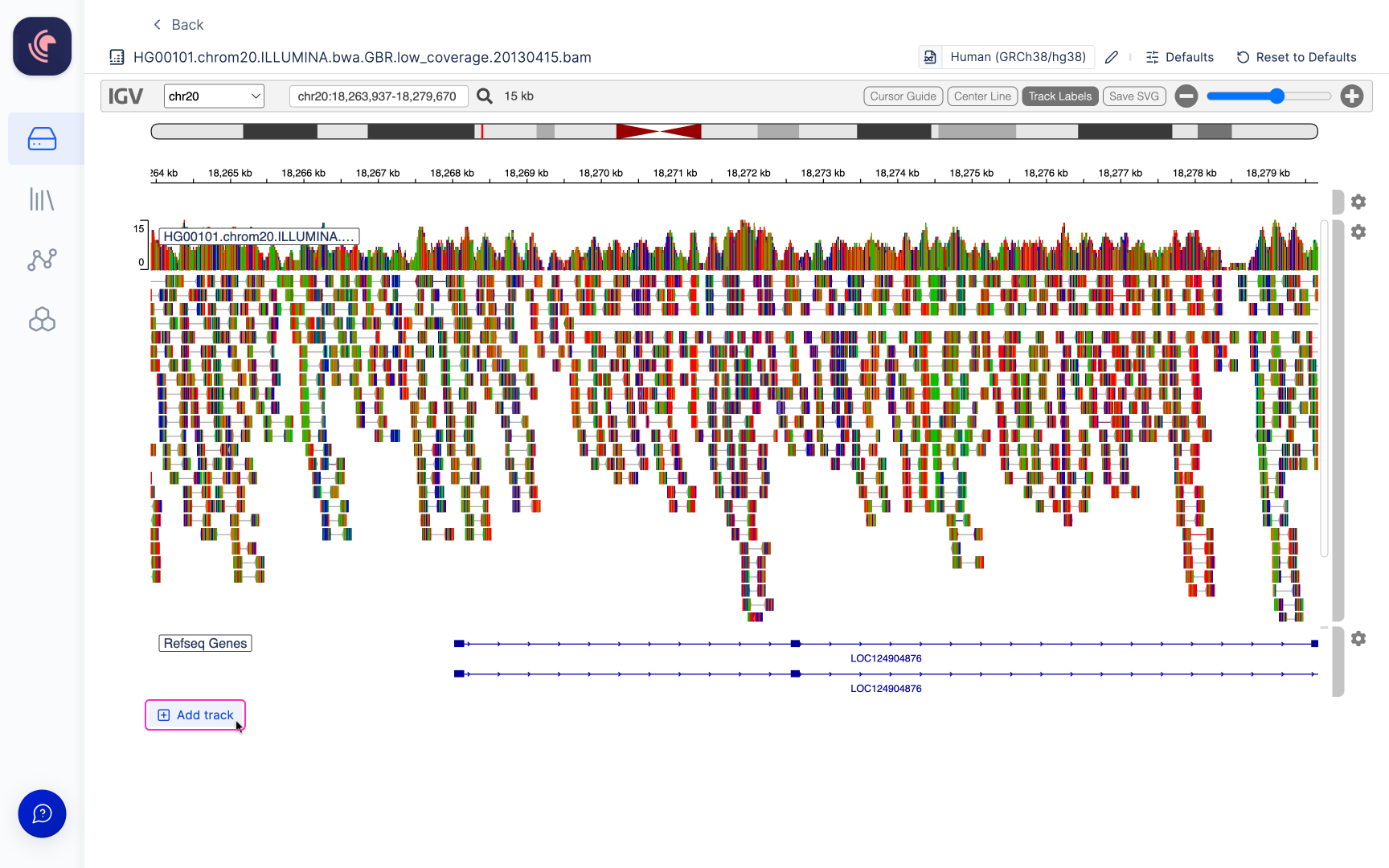 This will allow you to select other BAM files within your workspace. Files must be aligned to the same genome for them to show up in the viewer.