> ## Documentation Index
> Fetch the complete documentation index at: https://wiki.latch.bio/llms.txt
> Use this file to discover all available pages before exploring further.
# FastQC
> FastQC aims to provide a simple way to do some quality control checks on raw sequence data coming from high throughput sequencing pipelines. It provides a modular set of analyses which you can use to give a quick impression of whether your data has any problems of which you should be aware before doing any further analysis.
## Quick Start
 ## Inputs
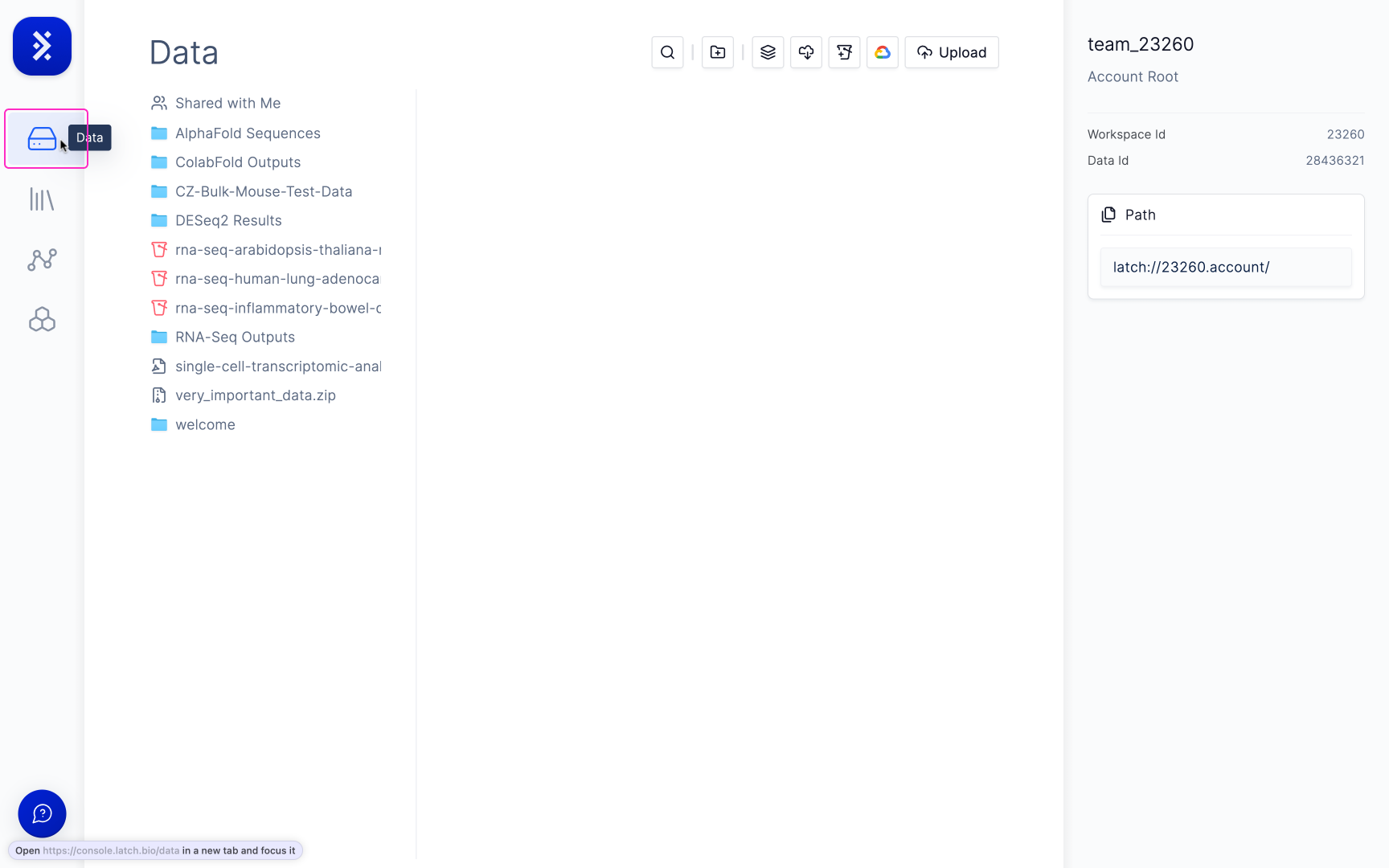
Any .fastq or .fastq.gz file.
## Outputs
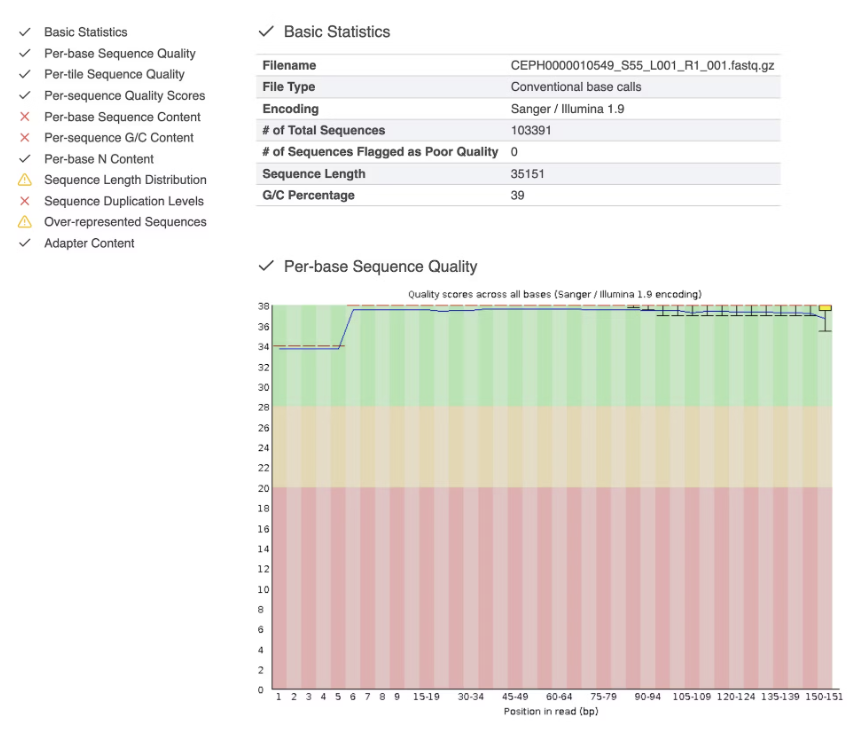
You'll see an interactive .html report that looks like this.
## Inputs
Any .fastq or .fastq.gz file.
## Outputs
You'll see an interactive .html report that looks like this.