> ## Documentation Index
> Fetch the complete documentation index at: https://wiki.latch.bio/llms.txt
> Use this file to discover all available pages before exploring further.
# Data Sharing
> Learn how to share your data on Latch
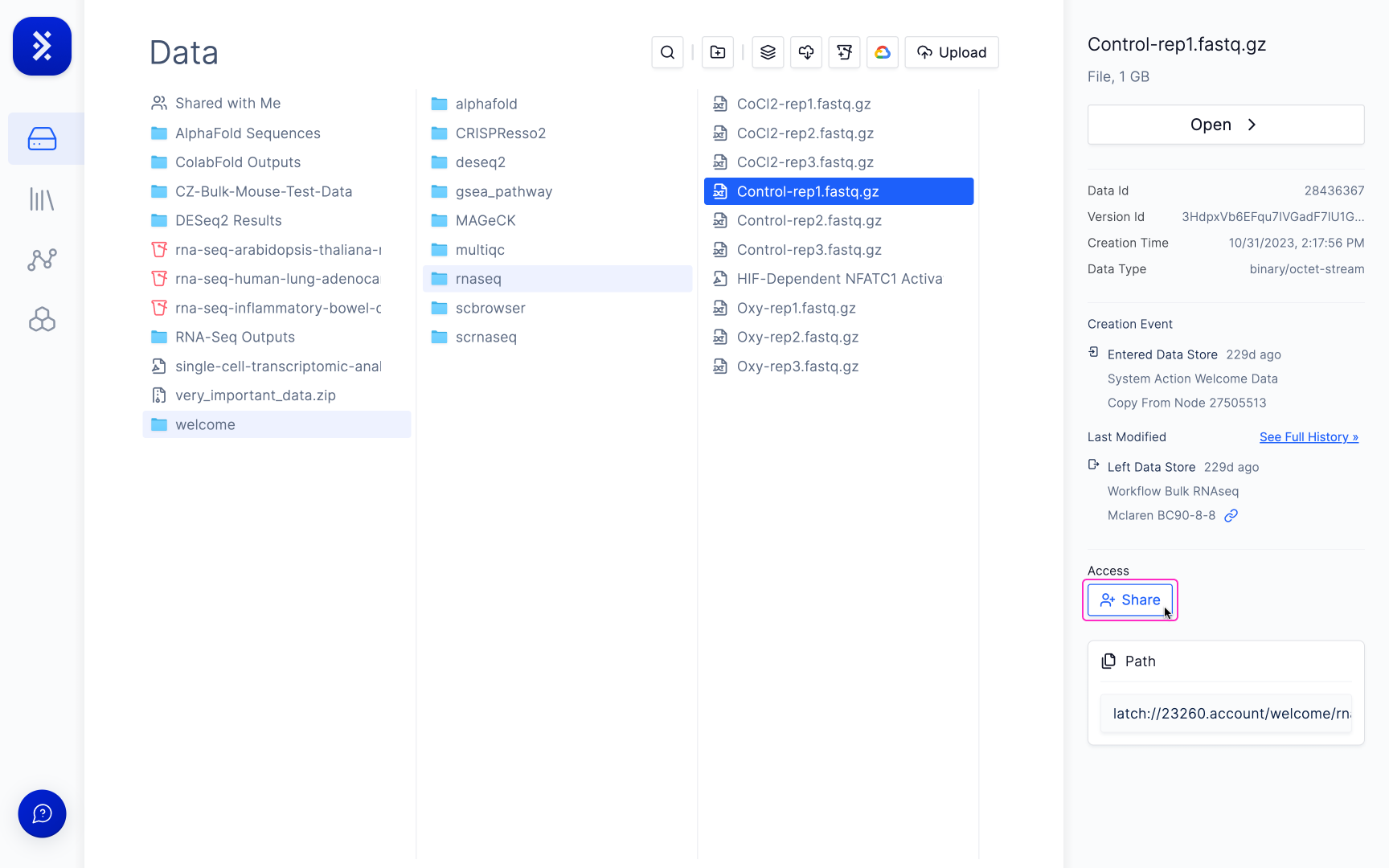
To share a file or a folder on Latch, select the file in the data explorer, go to the right sidebar, and click the share button:
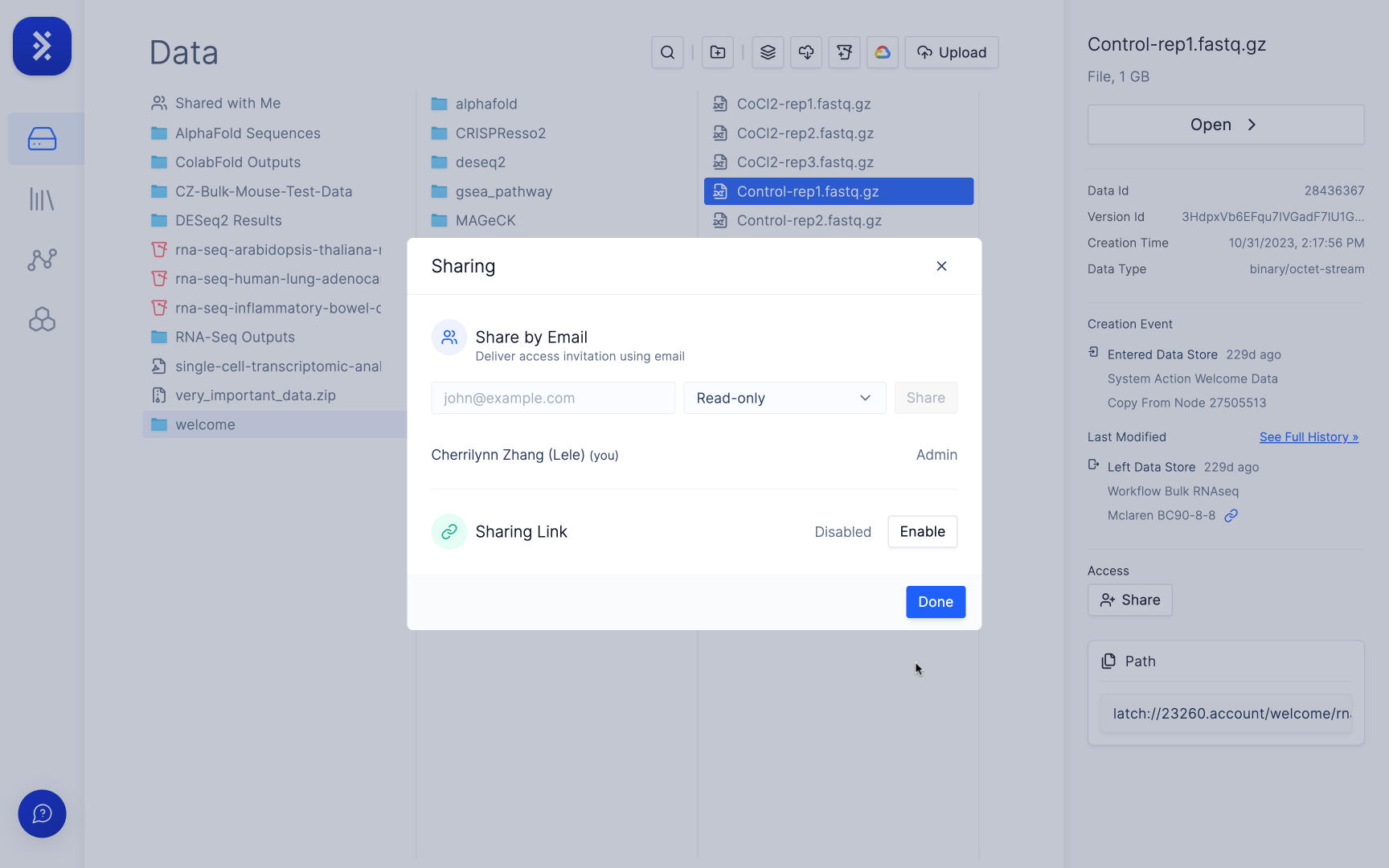
 This will open up a modal allowing you to either share by email or through a link.
 ### Sharing by Email
Sharing by email sends an email containing a link that allows the file/folder to be opened in a workspace. Multiple recipients can be specified.
Once added to a workspace the files are accesible in the **Shared with Me** in the folder in the Data Explorer.
### Sharing by Email
Sharing by email sends an email containing a link that allows the file/folder to be opened in a workspace. Multiple recipients can be specified.
Once added to a workspace the files are accesible in the **Shared with Me** in the folder in the Data Explorer.
 ### Sharing by Link
After enabling the Share by Link, a link will be generated that can sent to a recipient.
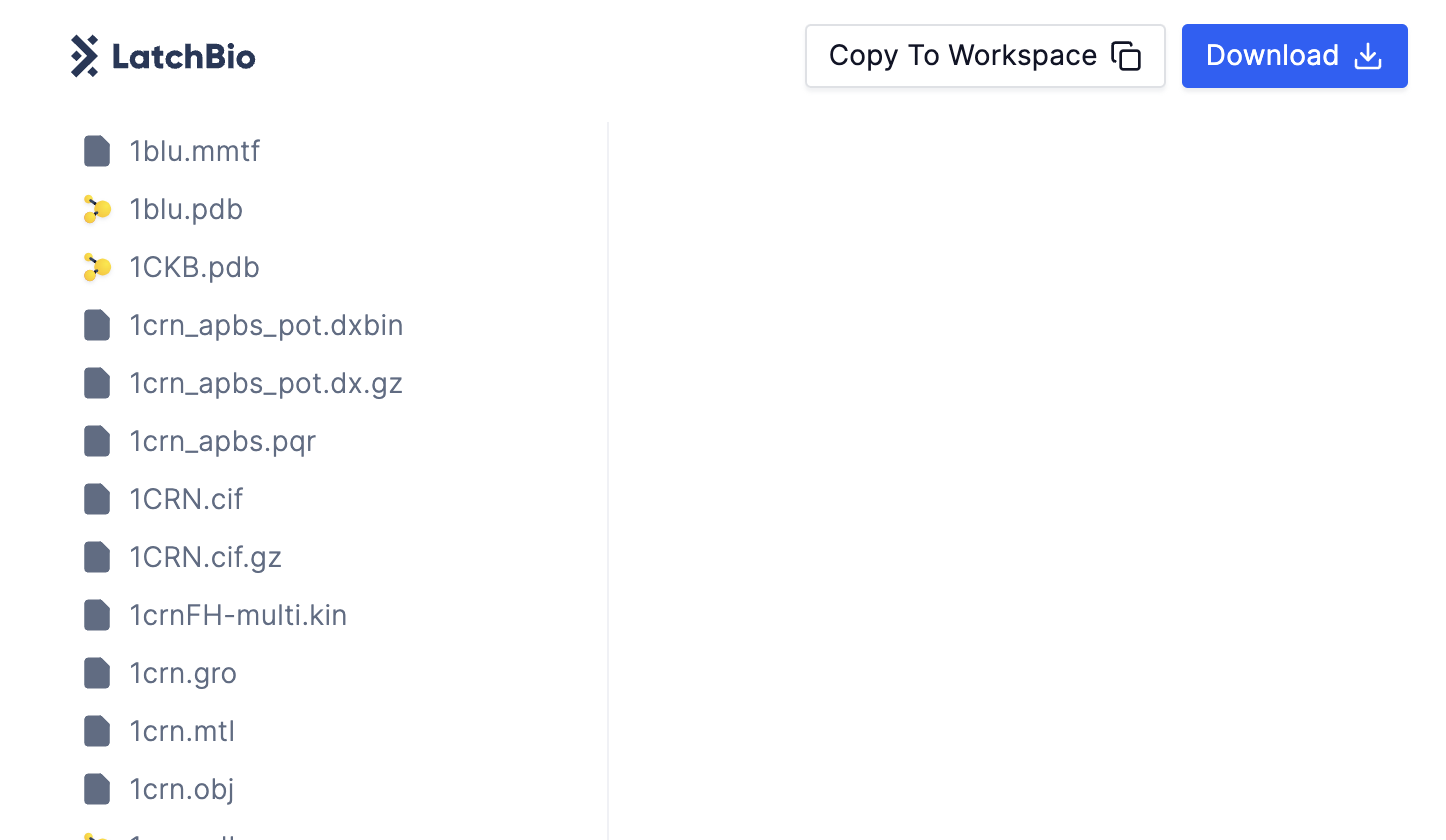
Share links for folders allow the recipient to view the files in a stripped-down data explorer. The files in the folder can be downloaded or copied to a workspace.
### Sharing by Link
After enabling the Share by Link, a link will be generated that can sent to a recipient.
Share links for folders allow the recipient to view the files in a stripped-down data explorer. The files in the folder can be downloaded or copied to a workspace.
 Share link for files will open the data viewer for that file.