> ## Documentation Index
> Fetch the complete documentation index at: https://wiki.latch.bio/llms.txt
> Use this file to discover all available pages before exploring further.
# Basic Uploading and Downloading
## Uploading to Latch
You can click the upload button to select files or folders for upload.
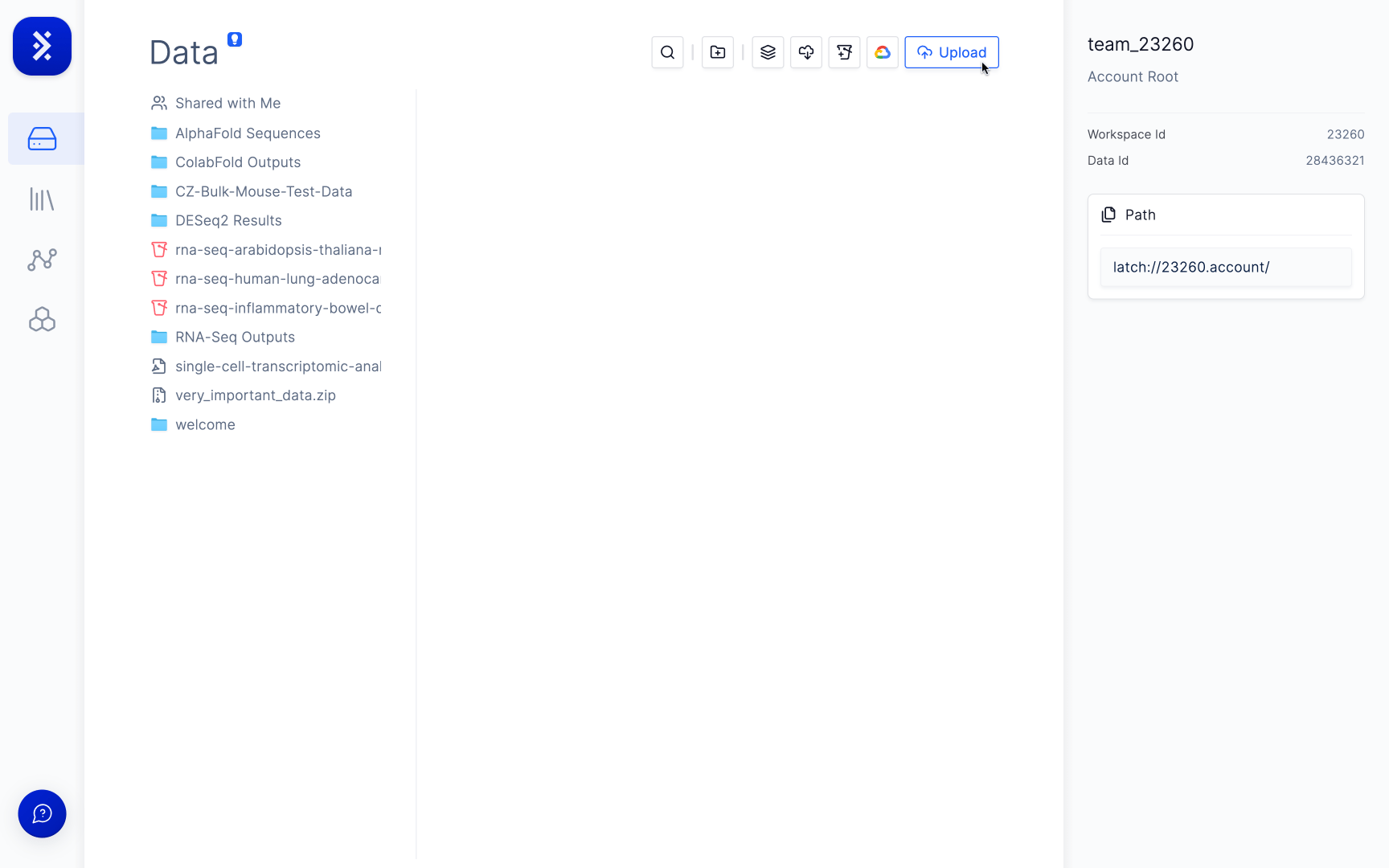 Or drag and drop files or folders from your computer onto Latch.
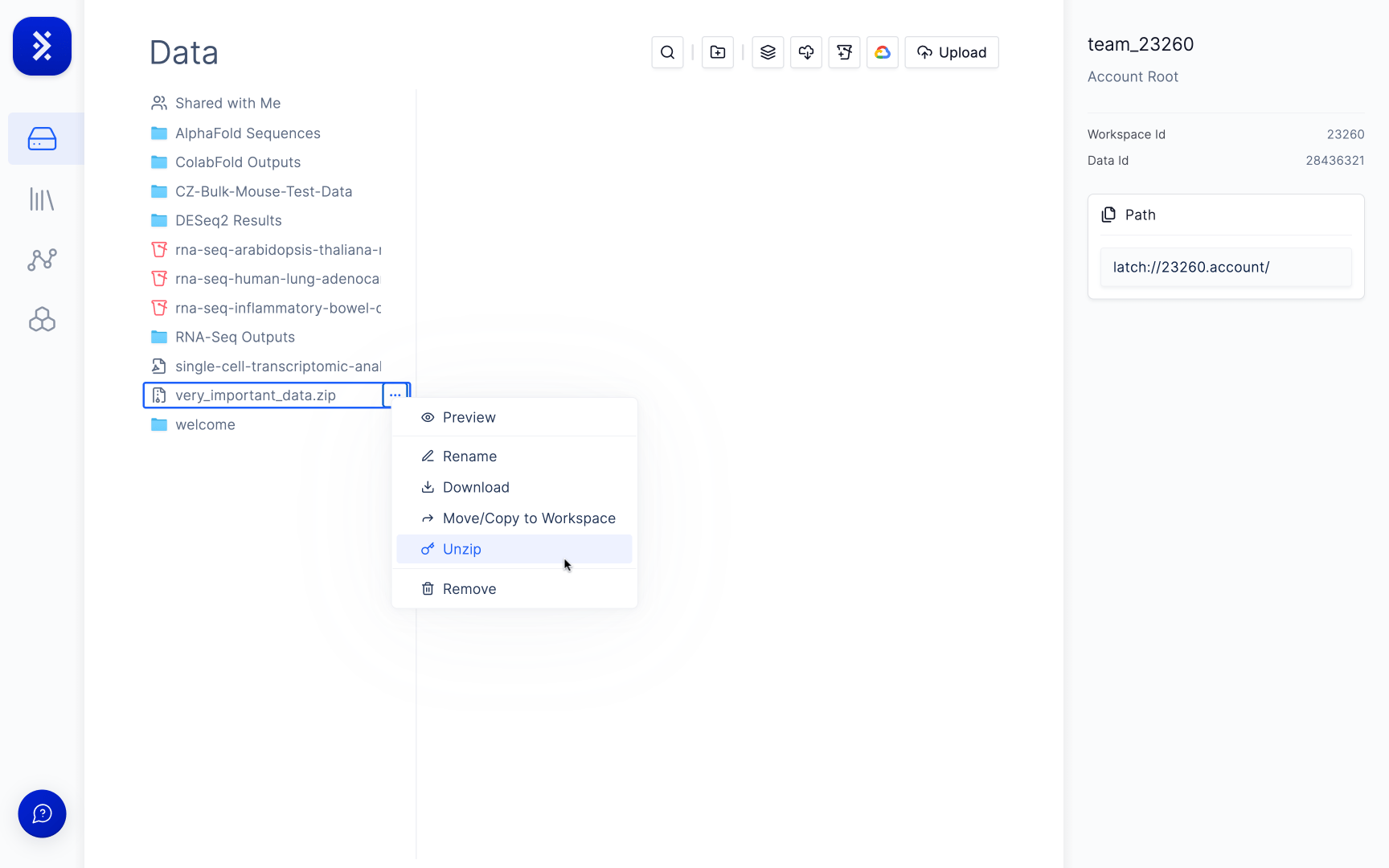
Zipped files and directories can be uploaded to Latch and then unzipped on the platform. To unzip a file simply click hover over it, click the ellipsis menu, and press unzip.
Or drag and drop files or folders from your computer onto Latch.
Zipped files and directories can be uploaded to Latch and then unzipped on the platform. To unzip a file simply click hover over it, click the ellipsis menu, and press unzip.
 ## Downloading from Latch
If your folder is above \~4 GB we recommend using the [LatchCLI](/workflows/sdk/cli/commands#latch-cp-\-\) for a streamlined downloading experience.
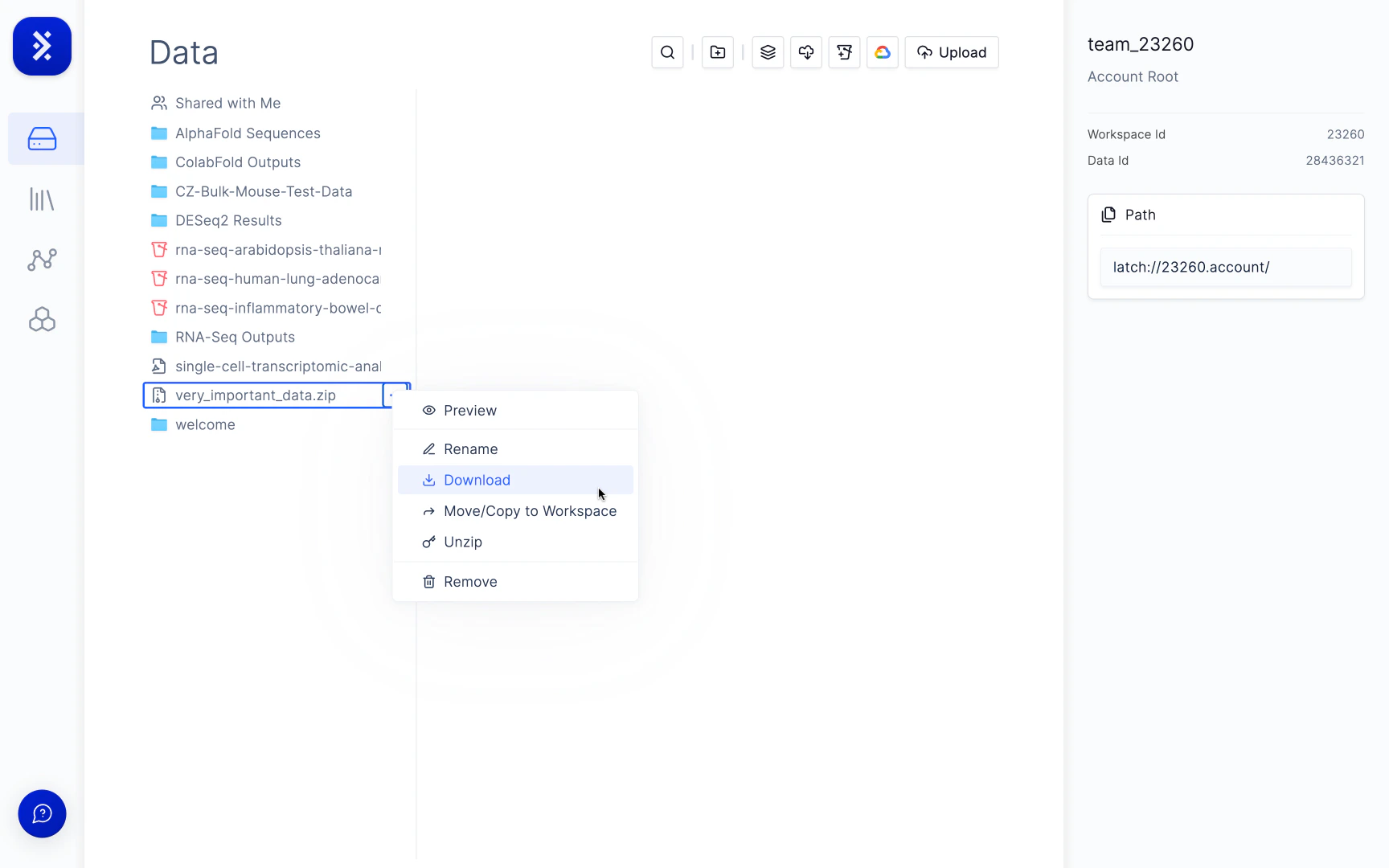
To download a file or a folder simply click the ellipsis menu and click download. Folders will be zipped first before being downloaded to your computer.
## Downloading from Latch
If your folder is above \~4 GB we recommend using the [LatchCLI](/workflows/sdk/cli/commands#latch-cp-\-\) for a streamlined downloading experience.
To download a file or a folder simply click the ellipsis menu and click download. Folders will be zipped first before being downloaded to your computer.