> ## Documentation Index
> Fetch the complete documentation index at: https://wiki.latch.bio/llms.txt
> Use this file to discover all available pages before exploring further.
# White-labeling Recommended Image Format & Sizing
> Recommended image format and sizing for white-labeling.
## Recommended Image Format & Sizing
Here are the recommended image format and sizing for organization brand assets for white-labeling on Latch.
### Workspace and Organization Avatar
Each Workspace owned by an org has has an avatar with an Org sub-avatar:
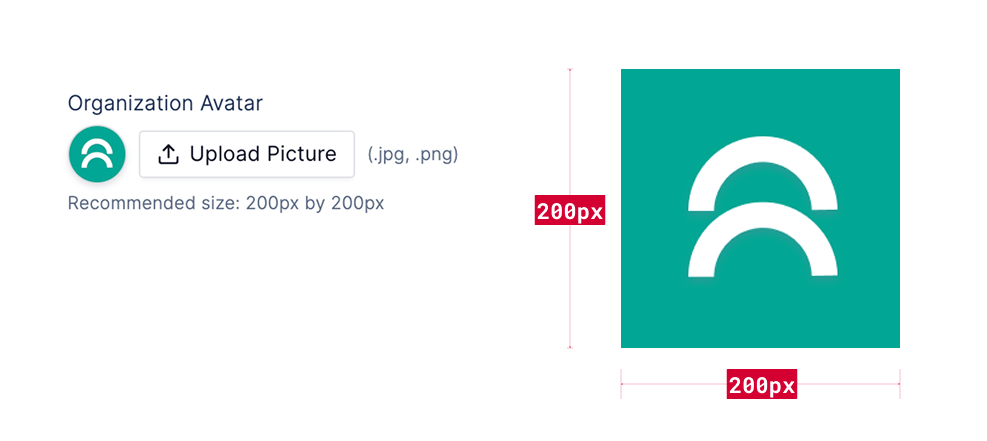
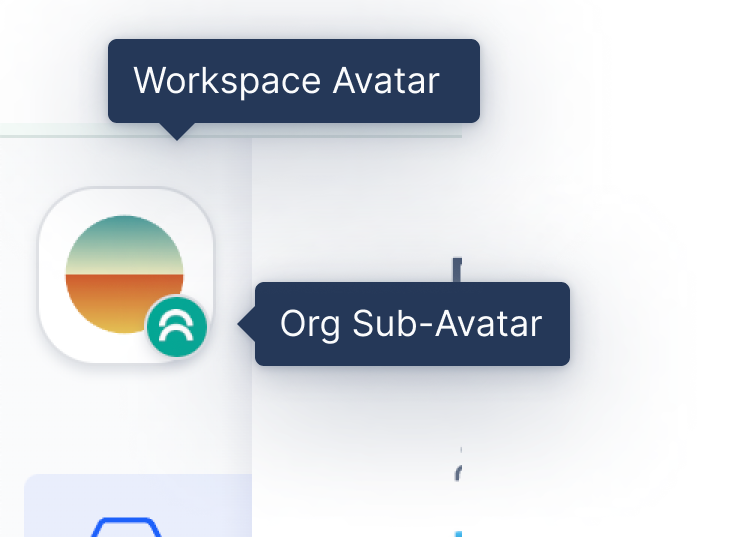 The Organization Avatar can be updated under Organization Settings. Recommended size is 200px by 200px and format is JPEG or PNG.
We also recommend using a variation of your logo similar to what you would use for your website favicon so it's also legible at smaller sizes.
The Organization Avatar can be updated under Organization Settings. Recommended size is 200px by 200px and format is JPEG or PNG.
We also recommend using a variation of your logo similar to what you would use for your website favicon so it's also legible at smaller sizes.
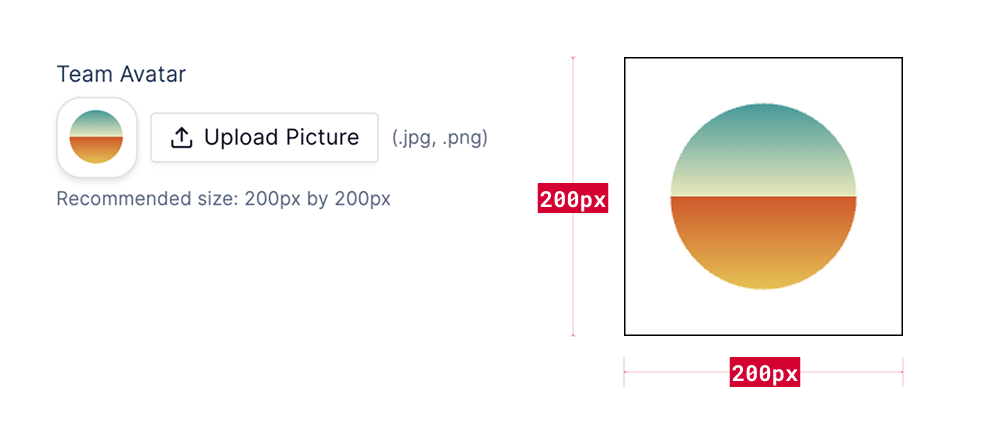
 The Workspace Avatar can be uploaded under General Settings for a Workspace. Recommended size is 200px by 200px and format is JPEG or PNG.
 ### Organization Primary Logo
For you Organization Primary Logo we recommend using a PNG with transparent background and with a 160px height so it shows up crisp. To make sure it renders properly across different email clients we recommend only using PNG.
### Organization Primary Logo
For you Organization Primary Logo we recommend using a PNG with transparent background and with a 160px height so it shows up crisp. To make sure it renders properly across different email clients we recommend only using PNG.
 ### Organization Badge Logo
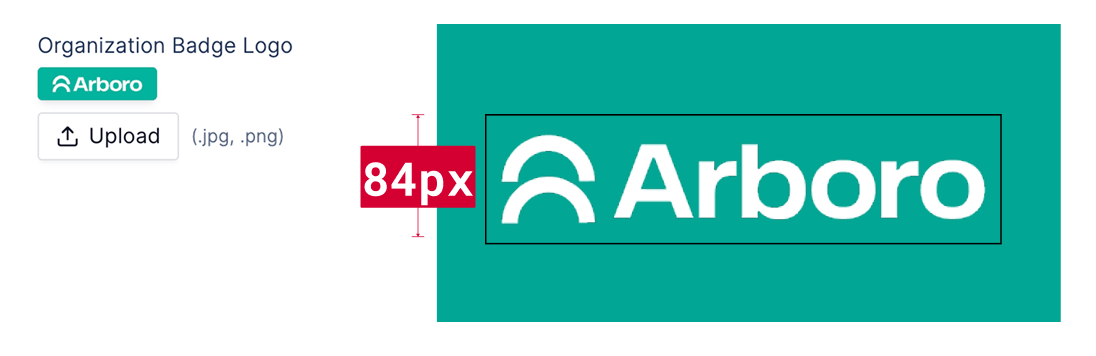
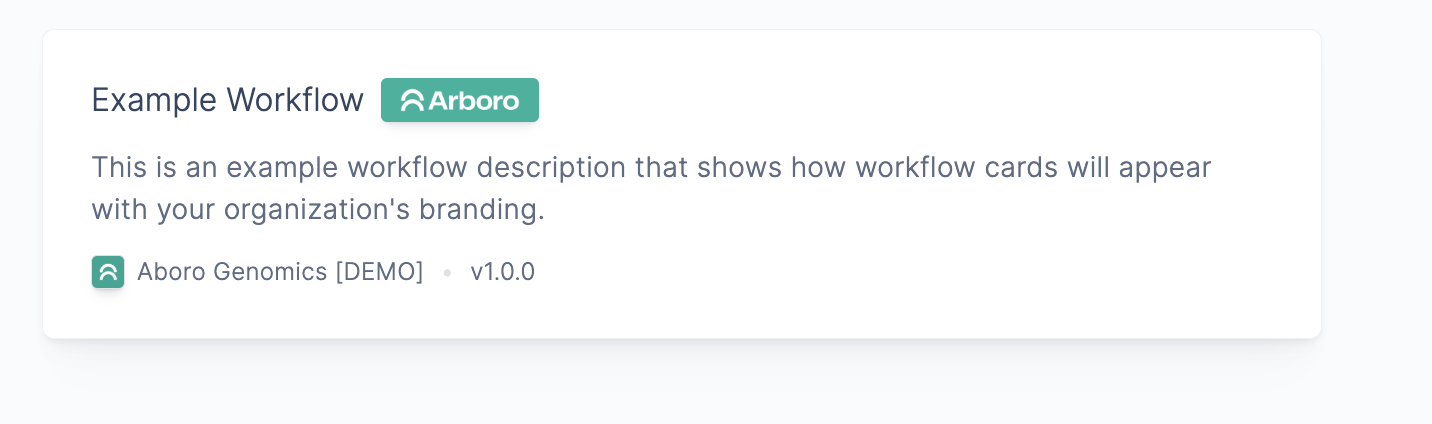
For your Organization Badge Logo we recommend using a PNG with a transparent background and with a 84px height so it shows up crisp. The brand color is used for the background of the badge, so make sure to use a color that contrasts well with the logo.
### Organization Badge Logo
For your Organization Badge Logo we recommend using a PNG with a transparent background and with a 84px height so it shows up crisp. The brand color is used for the background of the badge, so make sure to use a color that contrasts well with the logo.
 ### Banner Background
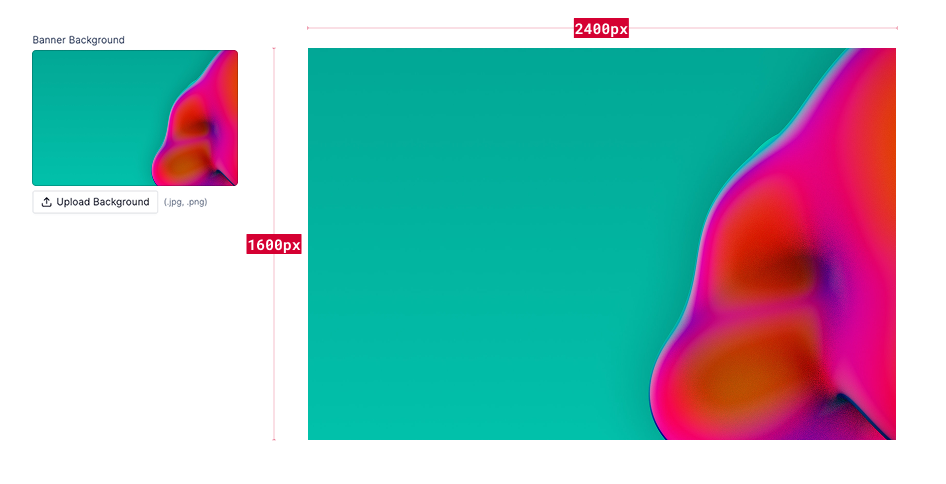
For you Banner Background you can use a JPEG or PNG and with the recommended dimensions of around 1600px height by 2400px width. The dimensions are not strict, but we recommend keeping the aspect ratio of the image to something that would be appropriate for a browser window and the size above 1600px.
### Banner Background
For you Banner Background you can use a JPEG or PNG and with the recommended dimensions of around 1600px height by 2400px width. The dimensions are not strict, but we recommend keeping the aspect ratio of the image to something that would be appropriate for a browser window and the size above 1600px.