> ## Documentation Index
> Fetch the complete documentation index at: https://wiki.latch.bio/llms.txt
> Use this file to discover all available pages before exploring further.
# What are Latch Organizations?
> Manage multiple workspaces under a single organization on Latch
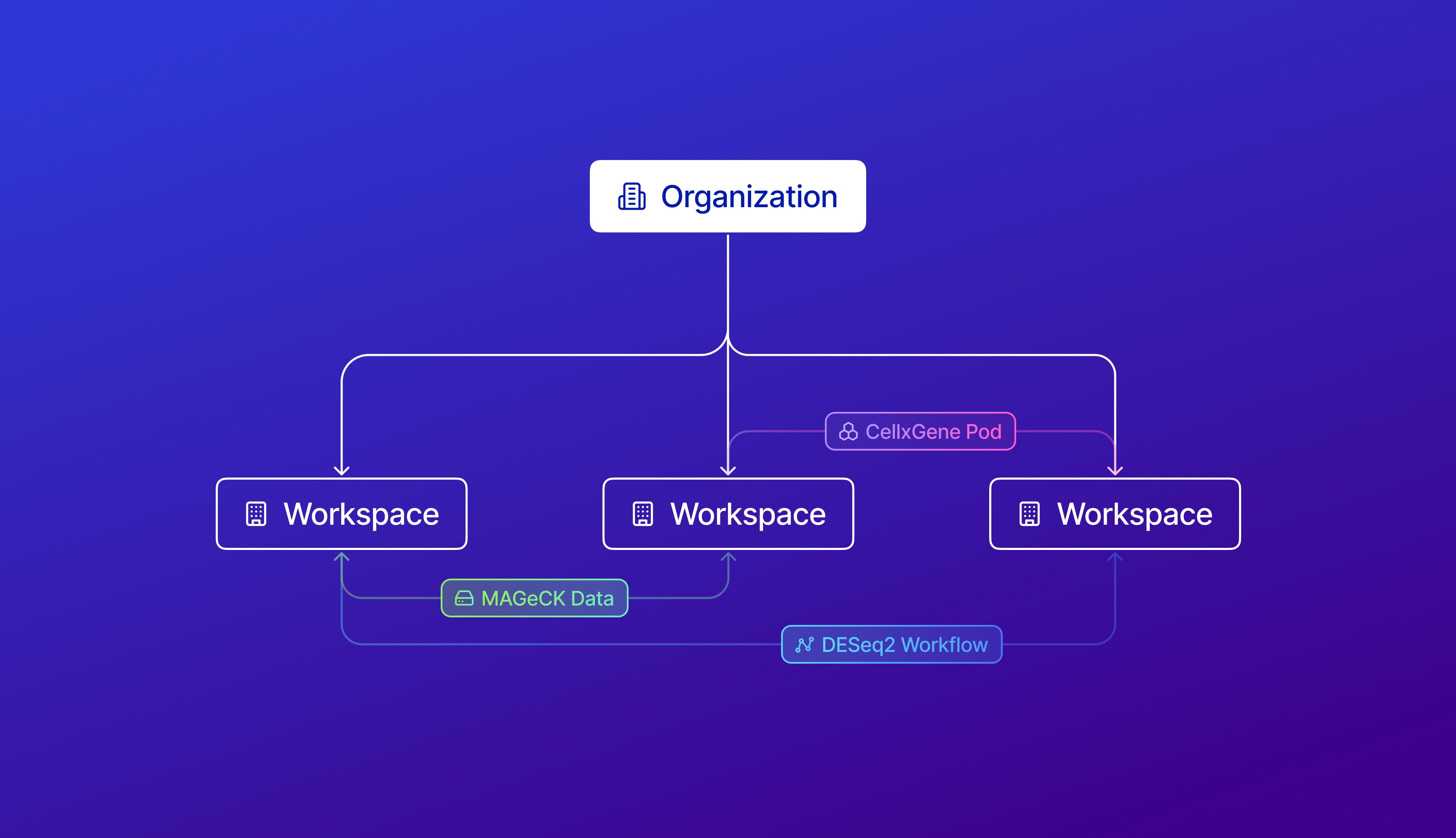 Organizations act as a layer on top of [Latch Workspace](../workspaces/overview), and can own multiple workspaces.
* Within an Organization, there's a [workspace overview](/admin/orgs/about#workspace-overview) to observe credit balances of workspaces, transfer credits between workspaces, and see an aggregate [billing view](/admin/orgs/about#billing-overview) of all workspaces across the four Latch Products.
* With owner permissions, organization members can access all workspaces within the organization.
{" "}
Currently, we only release Latch Organization to select partners who have to
manage 5+ workspaces. To gain access to the "Organizations", please contact
our support team at `support@latch.bio`.
Organizations act as a layer on top of [Latch Workspace](../workspaces/overview), and can own multiple workspaces.
* Within an Organization, there's a [workspace overview](/admin/orgs/about#workspace-overview) to observe credit balances of workspaces, transfer credits between workspaces, and see an aggregate [billing view](/admin/orgs/about#billing-overview) of all workspaces across the four Latch Products.
* With owner permissions, organization members can access all workspaces within the organization.
{" "}
Currently, we only release Latch Organization to select partners who have to
manage 5+ workspaces. To gain access to the "Organizations", please contact
our support team at `support@latch.bio`.
Learn about the key concepts and features of Latch Organizations
Create new workspaces or transfer existing workspaces to an organization
Configure access controls and authentication methods
Add and remove members from different workspaces in your organization
Change member roles within your workspaces and organizations
Learn how to transfer credits to and from different workspaces
## To collaborate within a workspace
Manage settings within a workspace